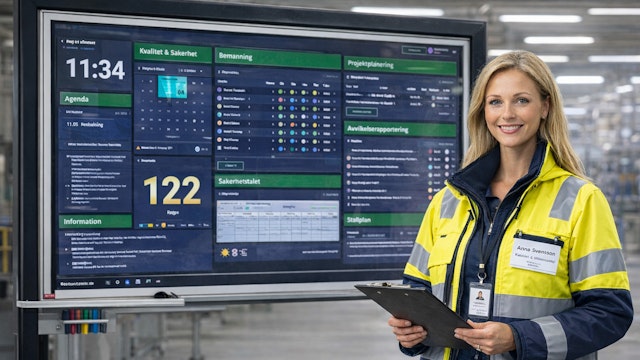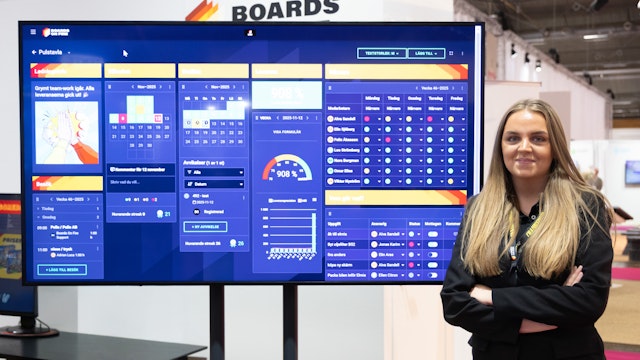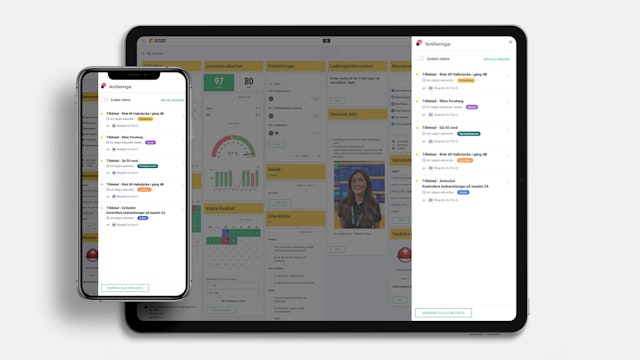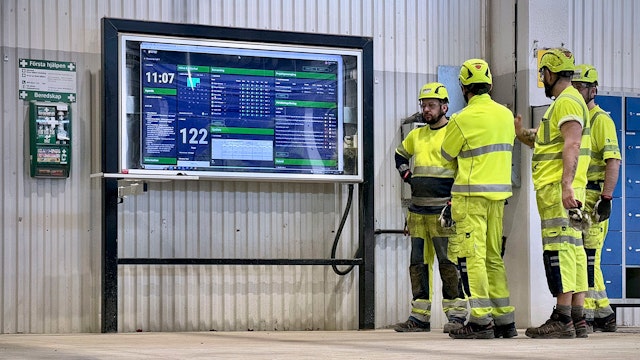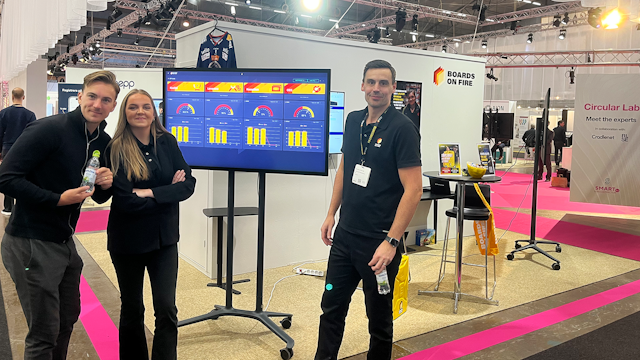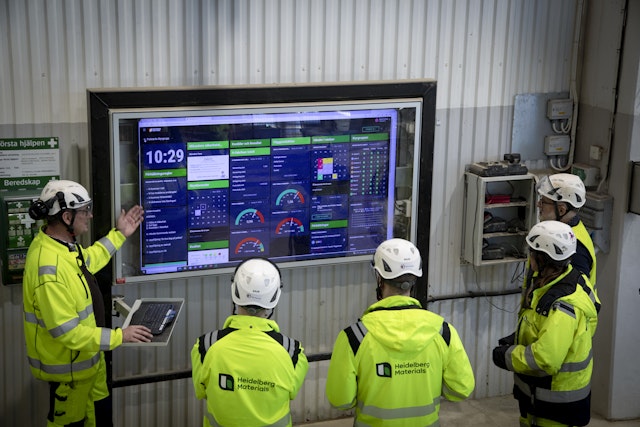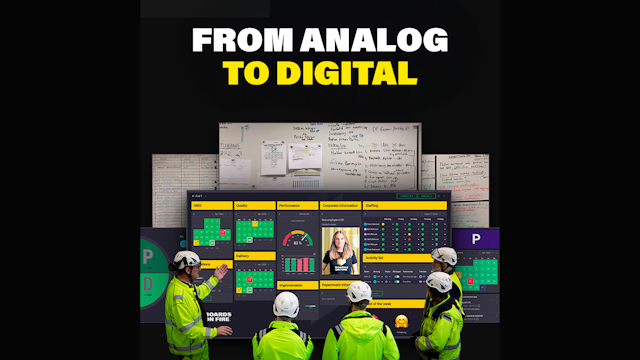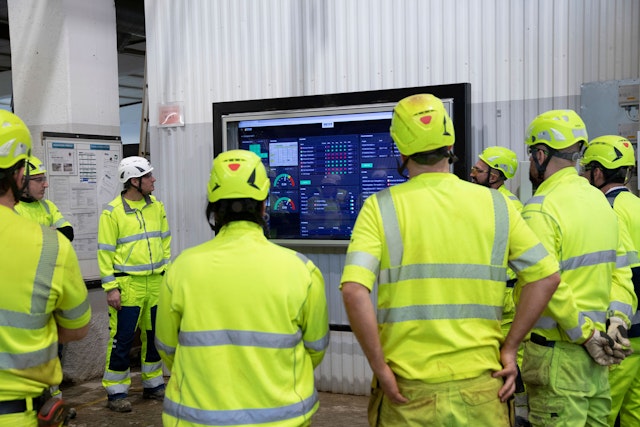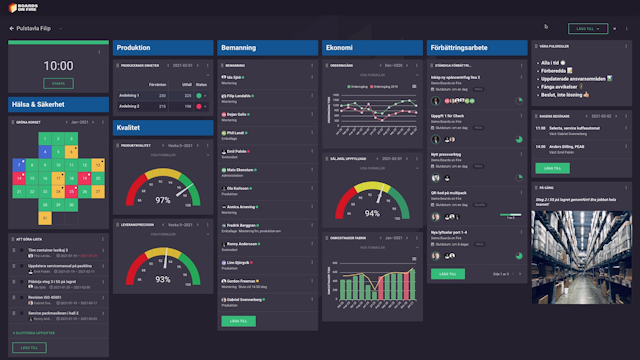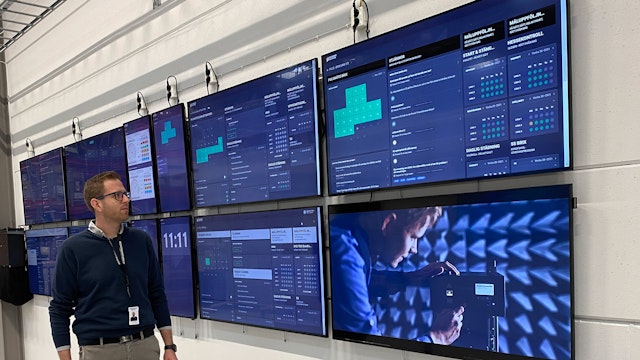

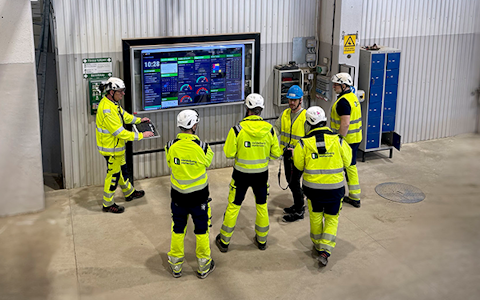
Digital dashboards that help you identify deviations and make the right decisions.

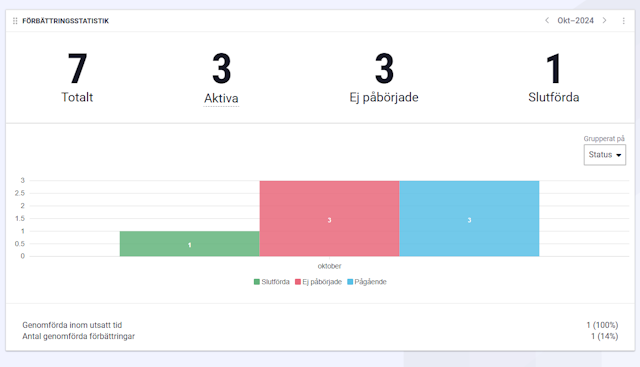
Capture your deviations and turn them into improvements

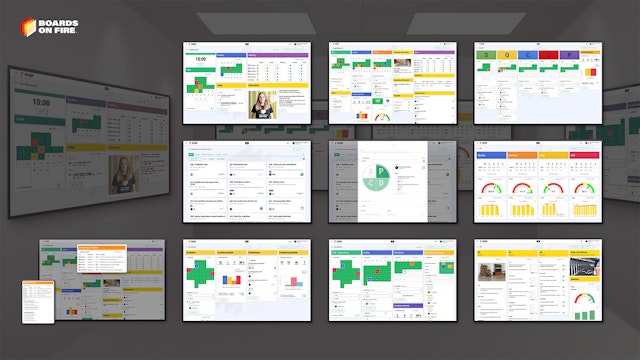
Continuous improvement, Kaizen boards, PDCA and other tools.
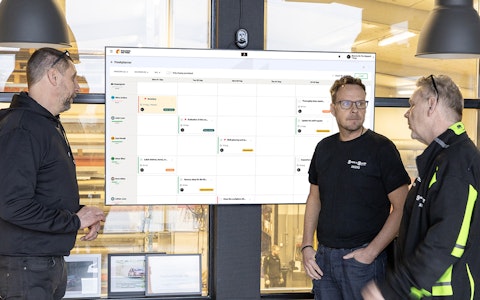
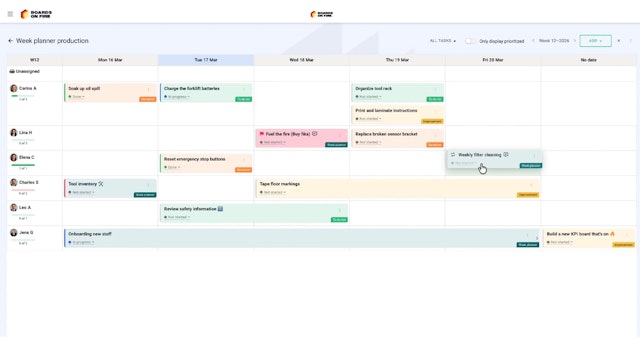
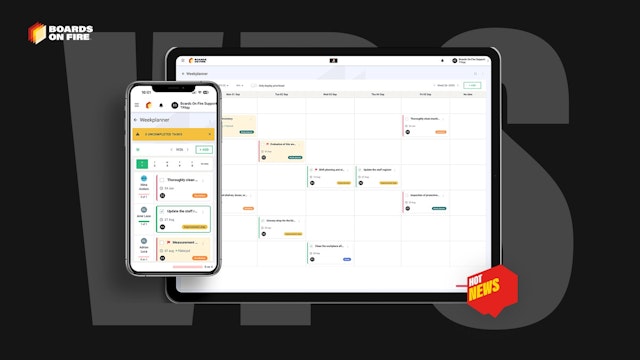
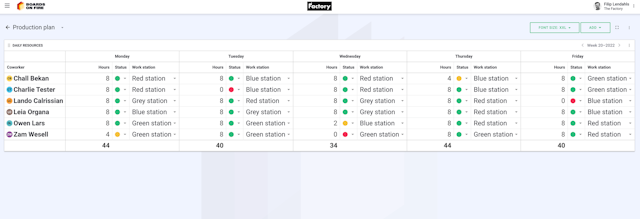
All your team’s tasks, neatly organized in one weekly view.
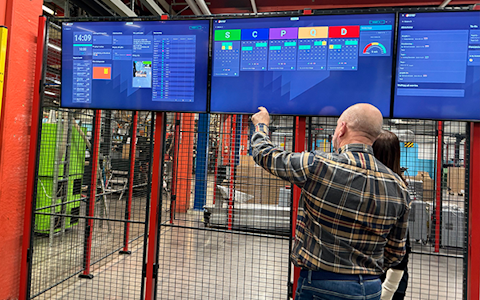
Improve key performance indicators within your specific focus areas with our SQCDP board.

Use the PDCA cycle as a tool to improve both quality and processes
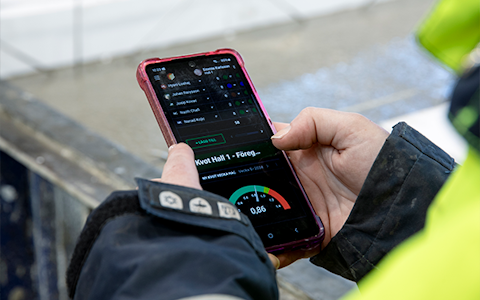
Digital tools for 5S work, recurring audits, and a well-organized workplace.
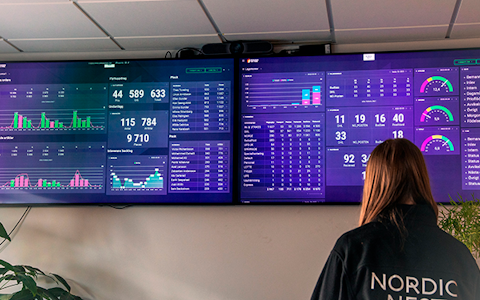
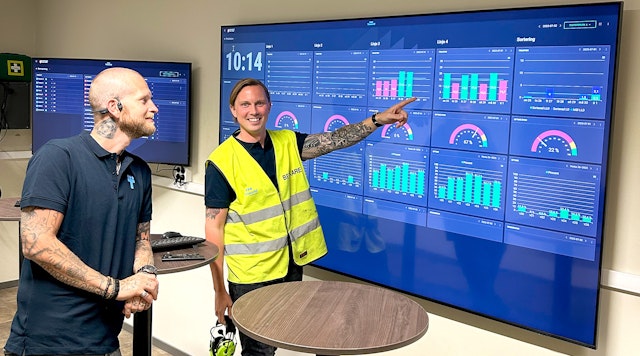
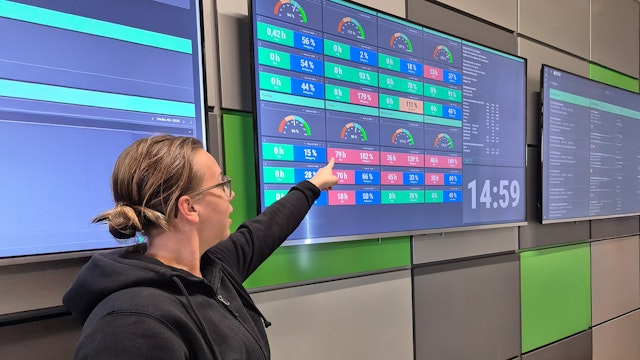
Visualize KPIs and communicate effectively throughout the entire organization.

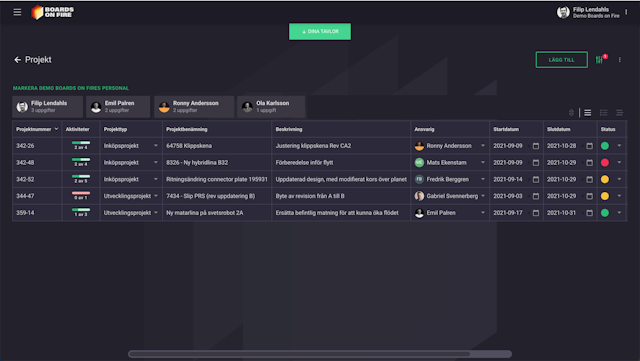
Basic project management and activity boards.
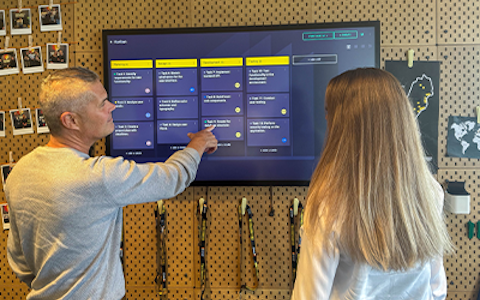
Kanban is a powerful method for visualizing, managing, and optimizing workflows.

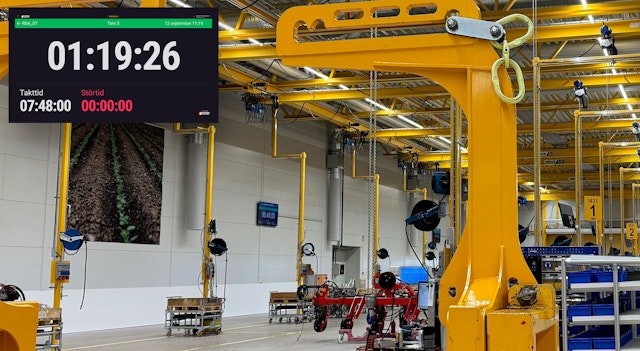
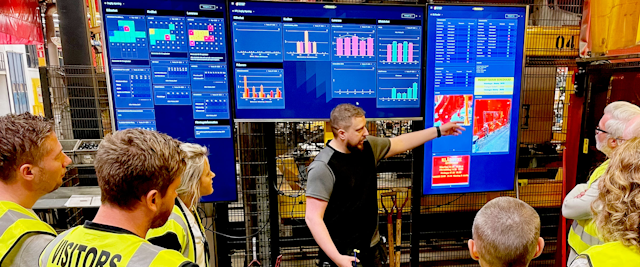
Digital dashboards for takt time flow with takt time counter and stop time log.

Digital visitor registration provides full control over all planned and executed visits to your business.
I samtal med nya kunder får vi ofta frågan om Boards on Fire kan integreras med andra system för att automatiskt samla in och uppdatera data. Svaret är JA, det går väldigt bra. Och det behöver inte vara speciellt komplicerat!
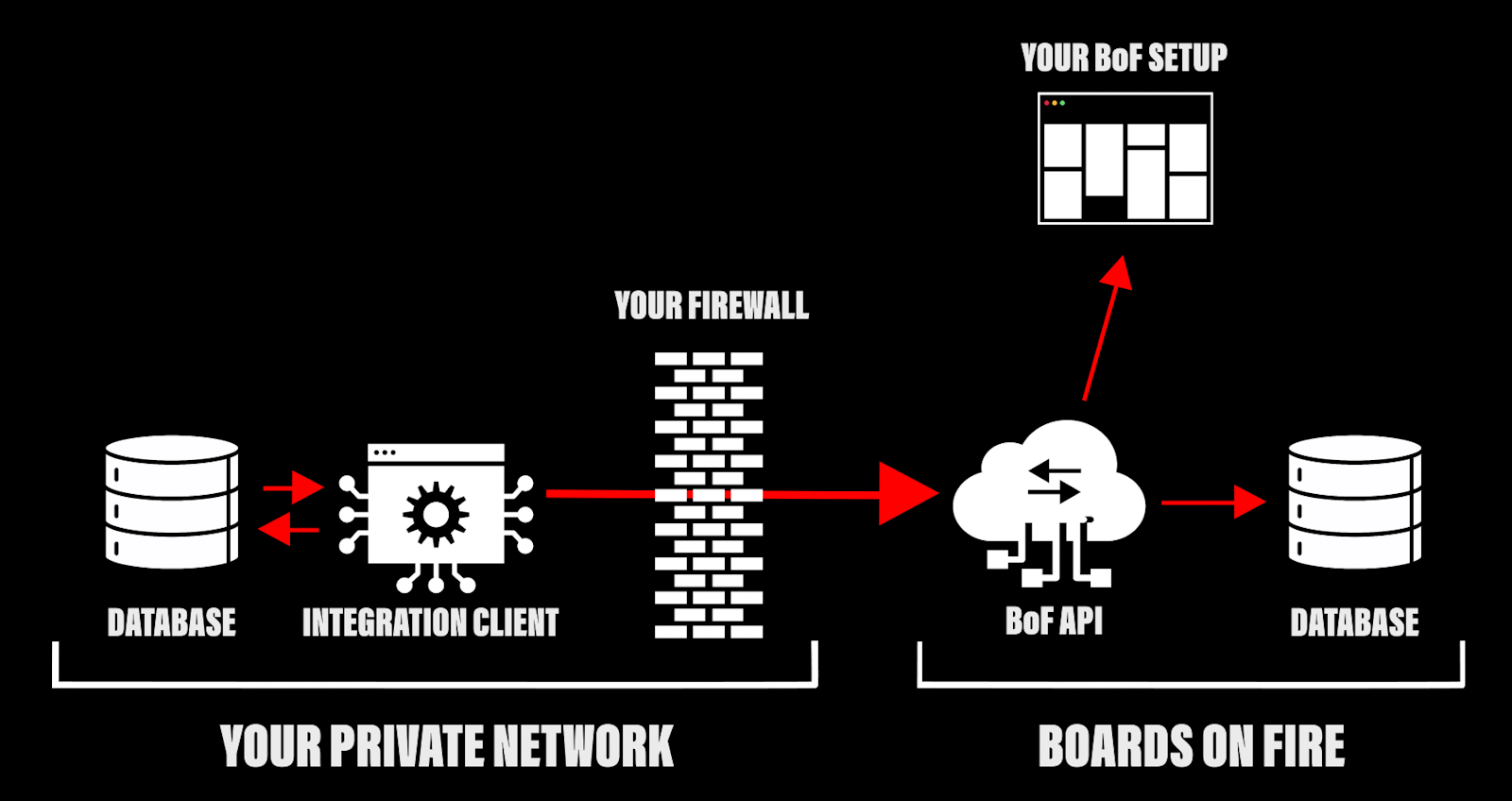
Finns data tillgänglig någonstans ifrån så går det också att hämta in informationen och visualisera den i Boards on Fire. Det kan vara data från exempelvis ERP, CRM, MES, PLM, produktionssystem, ledningssystem, maskinpark eller andra system.
För att förstå integrationerna behöver vi börja i rätt ände, i Boards on Fire. All data som visas i våra komponenter, oavsett om den matas in manuellt eller hämtas från externa system, lagras i något vi kallar en datakälla.
En datakälla kan innehålla flera fält, exempelvis “mål” och “utfall”. Vi stöder en rad olika datatyper, vilket gör att vi kan anpassa datamodellen efter hur informationen ser ut i era befintliga system.
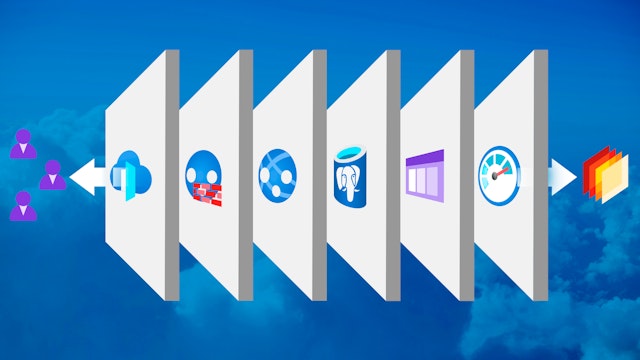
När en ny datakälla skapas genereras automatiskt ett REST-API enligt OpenAPI-standard. Det är detta API som används vid integrationer, och här finns stöd för vanliga REST-operations, samt en extra användbar funktion: IMPORT, för att hantera större datamängder i bulk. Perfekt när många rader behöver uppdateras regelbundet.
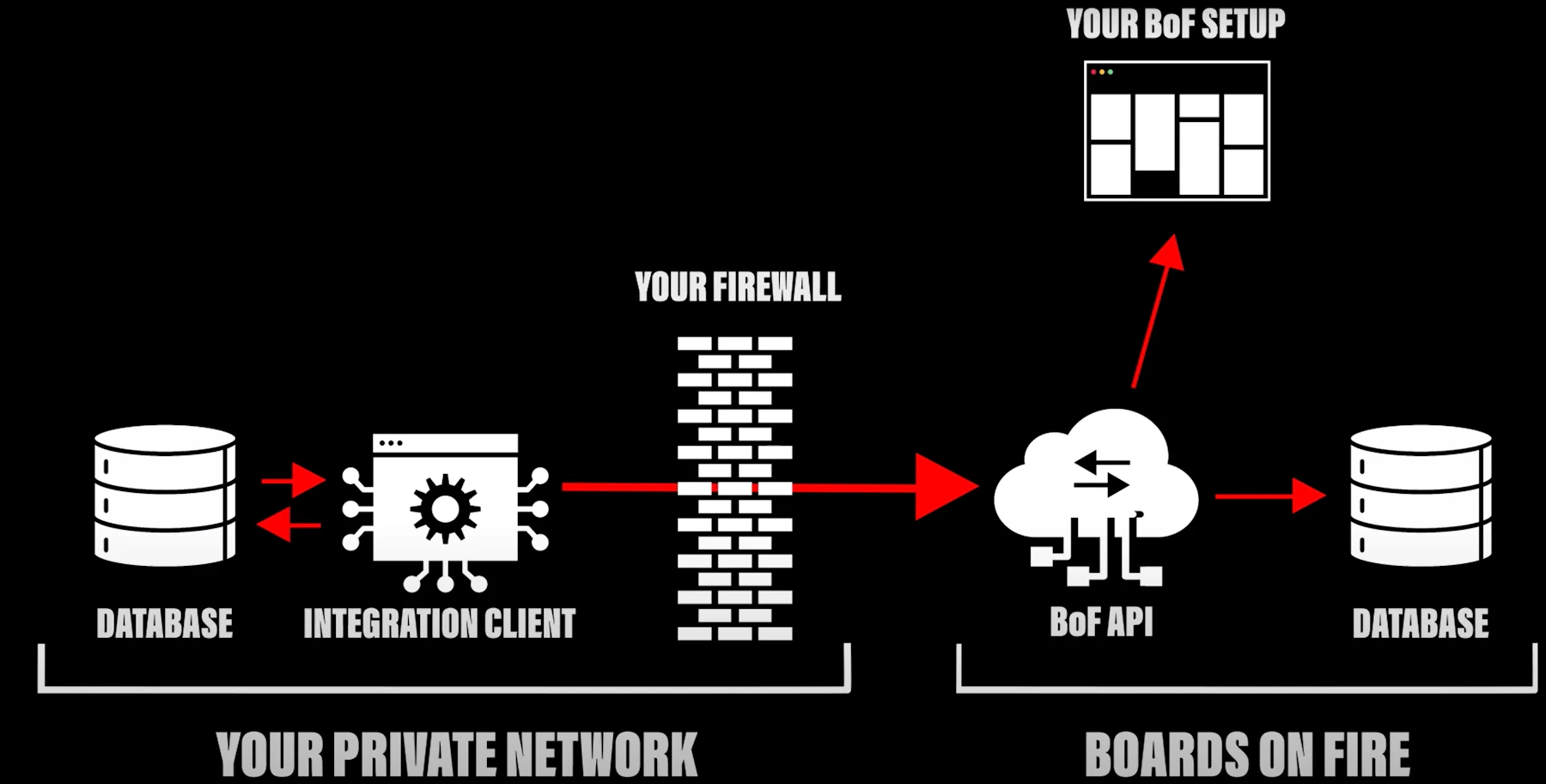
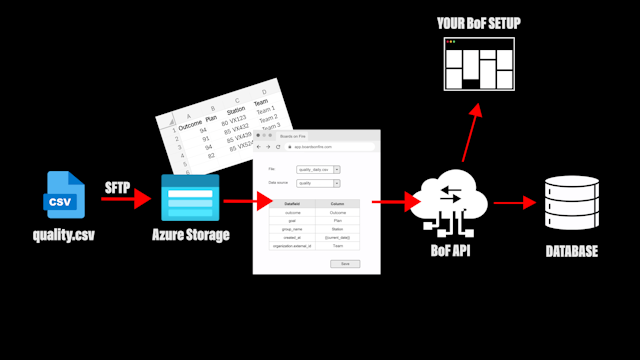
En integration kan lösas på olika sätt beroende förutsättningarna i varje enskilt fall. I videon nedan förklarar vi tre olika sätt att integrera med Boards on Fire, bland annat filintegration med CSV-fil via SFTP och hur du kan skicka data från Power BI med hjälp av Power Automate.
Integrationsklient:
CSV via SFTP:
Power BI + Power Automate:
Vill du lära dig mer och se hur du kommer igång med att integrera Boards on Fire? Klicka här!

Happens at Boards on Fire
Free web demo